Can a Scanned PDF Be Translated?
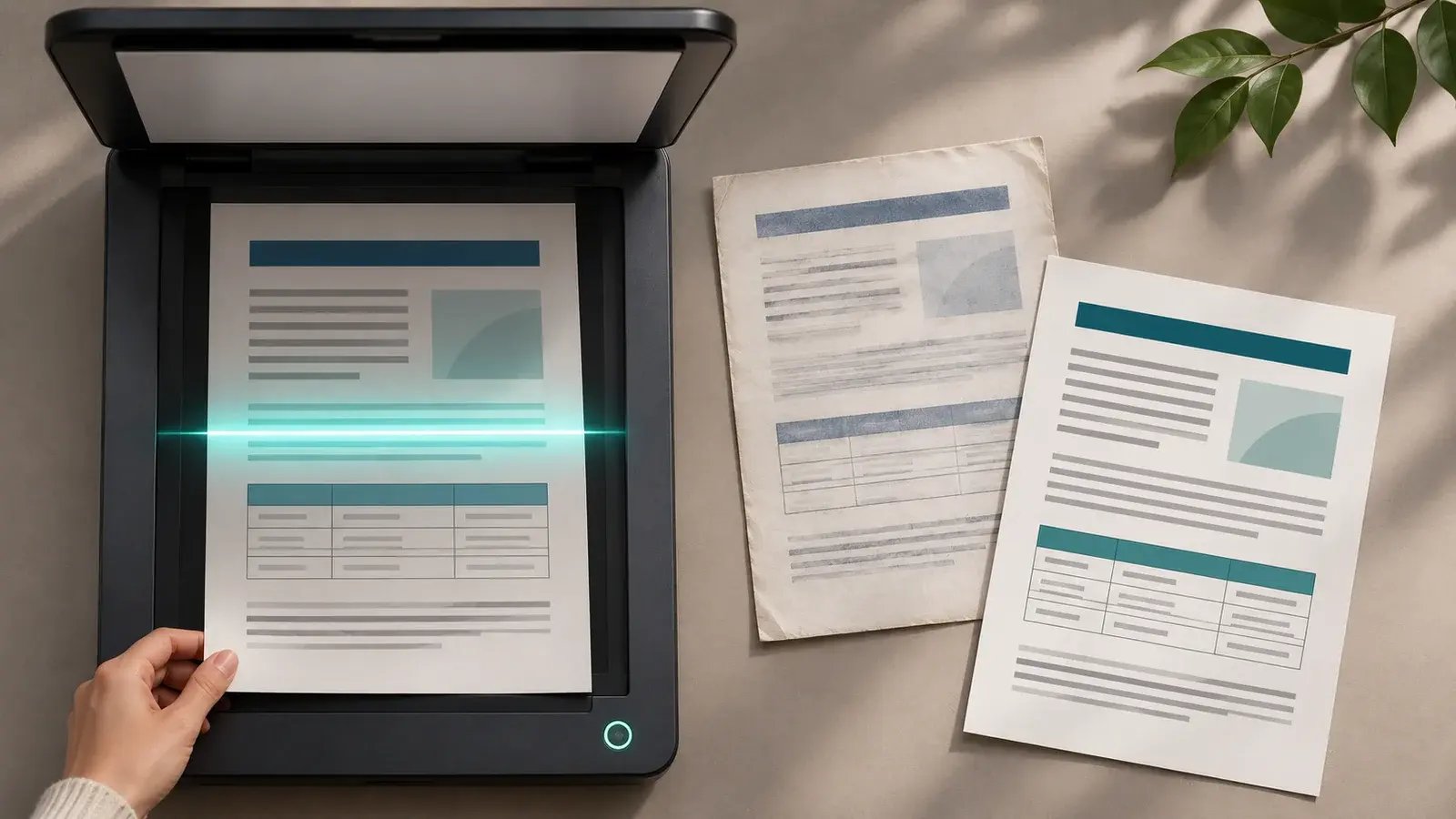
Yes, a scanned PDF can usually be translated if the text is clear enough to read. Unlike an editable Word document or a text-based PDF, however, a scan is essentially a collection of page images, so the words must first be identified and checked before translation begins.
The quality of the result depends on the source file. A straight, high-resolution scan of a typed document is much easier to process than a dark mobile-phone photograph, faint carbon copy or handwritten form. Tables, stamps, annotations and text inside images can also require additional attention.
Sending the best available version at the outset helps the translation team assess the word count, preserve important details and confirm whether the finished document needs a simple translated layout or a close recreation of the original.
Why Is a Scanned PDF Different From an Editable File?
In an editable document, you can normally select, search, and process the text directly. In a scanned PDF, the computer may see only pixels. Even when a file looks perfectly readable on screen, it may not contain a usable text layer.
Optical character recognition, commonly called OCR, can convert the visible characters into editable text. That extracted text can then be prepared for translation. OCR is useful, but it is not the translation itself, and its output needs checking against the scan.
Recognition errors can be surprisingly small. The software might confuse the numeral “1” with a lower-case “l”, miss a decimal point, merge two columns or read a page in the wrong order. If the extracted text is not checked, the mistake can pass into the translation even though the translated sentence sounds fluent.
The UK National Archives’ digitisation guidance advises organisations to verify OCR output rather than assume that machine-generated text is perfect. It also recommends suitable image resolution and avoiding noise, dark patches and unnecessary compression when accurate recognition is important.
What Affects the Quality of a Scanned Document?
Names, figures, dates, headings and marginal notes must all be readable. Unclear details can slow down the work or require clarification.
| Source-file issue | Possible effect | Better approach |
|---|---|---|
| Blurred or low-resolution text | Letters and numbers may be misread | Rescan the original at a higher resolution |
| Dark shadows or glare | Words may disappear into the background | Use a flatbed scanner or even lighting |
| Crooked or clipped pages | Lines may be missed or read in the wrong order | Align the page and include every edge |
| Handwriting and signatures | Content may be unclear or partly illegible | Supply a typed note where appropriate |
| Tables and multiple columns | Reading order may be confused | Provide the editable source or a clear scan |
| Stamps over printed text | Both layers may be difficult to identify | Send a colour scan and any cleaner copy available |
Include every page, even if some pages appear blank or contain only a seal. A missing reverse side, attachment or continuation page may change the context of the document and lead to delays while the file is checked again.
Will the Translation Keep the Original Formatting?
That depends on the purpose of the translation and the files available. A straightforward translation may reproduce the headings, paragraphs and tables in a clean editable document. If the translated file must closely match a brochure, manual, form or branded report, additional layout work may be needed.
Scans are harder to recreate because the original text boxes, styles and images are not editable. Complex pages may need to be rebuilt, and translated text can take more or less space than the source. Fonts, line breaks, table widths and right-to-left languages can all affect the finished design.
Supplying the original Word, PowerPoint, InDesign, or Illustrator file can save time when layout matters. If only a scan exists, multilingual desktop publishing services can help reconstruct the content and prepare a readable, publication-ready result where required.
Before work begins, explain how the document will be used. A translation intended for internal reference may not need the same formatting as a public brochure, technical manual or document that must be presented alongside the source.
How Should You Prepare a Scanned PDF for Translation?
Start by checking whether an editable original exists. The PDF may have been created from Word or another design program, and the source file could still be held by a colleague, designer or previous supplier. If it is available, send both the editable file and the PDF used for reference.
If scanning is necessary:
- Scan complete pages in the correct order.
- Use clear colour or greyscale settings.
- Keep pages straight and avoid shadows.
- Check names, numbers and small print.
- Include notes, stamps and attachments.
- Do not combine unrelated documents without clear labels.
- Mention any passage that is known to be difficult to read.
For a reliable quotation, provide the complete file, the source and target languages, the required deadline and an explanation of where the translation will be used. Absolute Translations’ document translation services can work from physical documents, scans and images, subject to the source being sufficiently legible.
Where several files or formats are involved, professional translation services can coordinate the translation, review and delivery requirements within one workflow. The source can be assessed before work starts so that any OCR, formatting or readability issues are identified early.
Unsure whether your scanned PDF is clear enough to translate or whether the layout can be retained? Send the Absolute Translations team the complete file, required language and intended use. We will help identify the appropriate translation and formatting approach before the project begins. Request a quote by emailing main@absolutetranslations.com, calling 0333 577 0767, or visiting www.absolutetranslations.com.